This is the source database where your search result is located.
Database Details
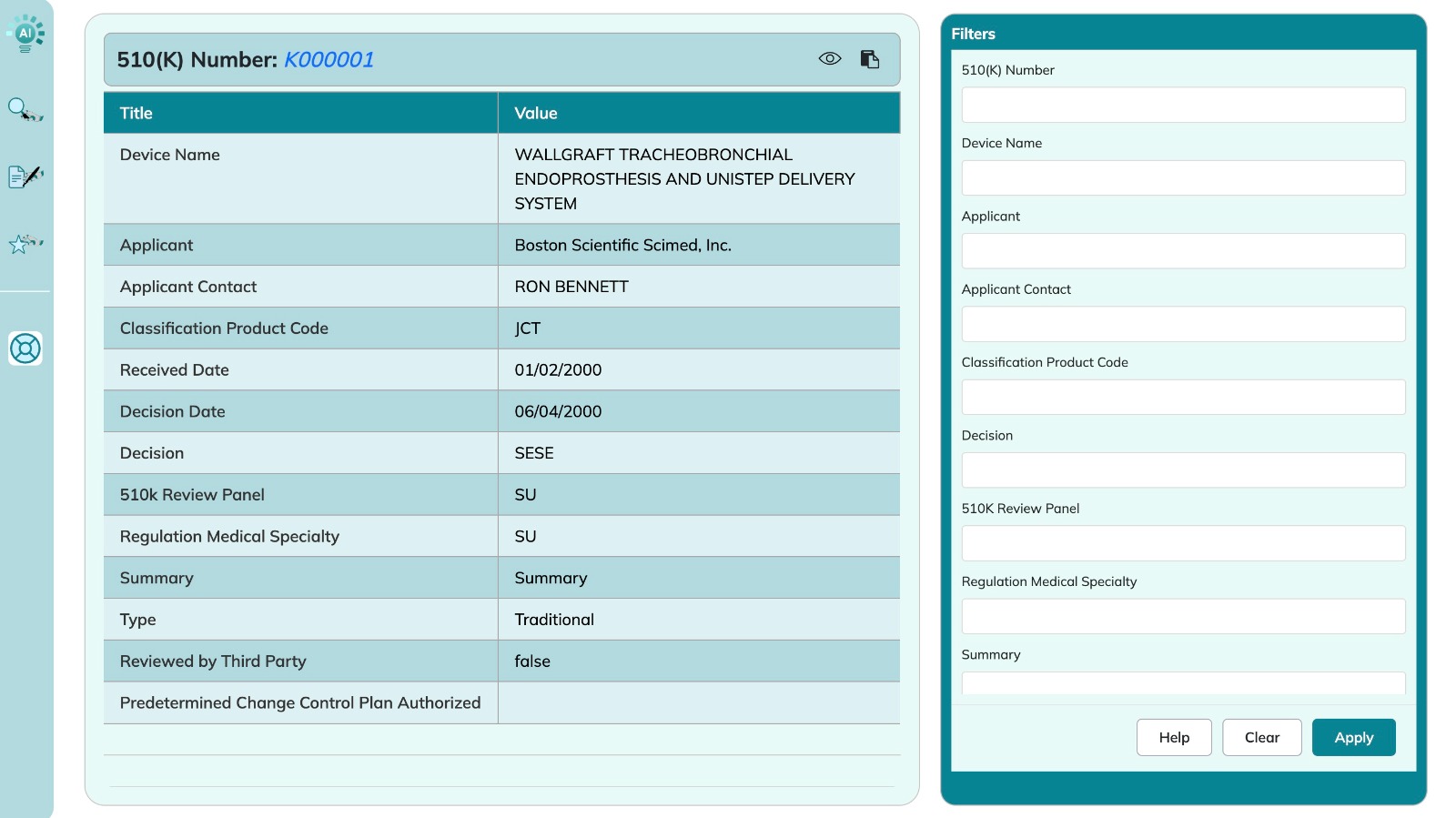
Database search result: Once you navigate to the PDF from the View Details icon in the Document Title column in the search results table, you will be redirected to a table with the details of the related database record. Your matching search result text that will be highlighted.
Source (): Once you click this icon, a tab will ope with the source database.
Search / Filter Database: This panel on the right will allow you to add more search criteria




 ): Once you click this icon, a tab will ope with the source database.